You aren’t you when you’re hungry.
Some get irrationally angry, aka “hangry”.
Others will focus on nothing but food until they get it.
No matter what happens, when you’re out driving and get hungry, the very last thing on your mind is tracking that expense for tax time.
If you’re like me, after you’ve eaten your snack and are driving down the road, you remember to add it to your expense software. But now it’s too late to do it safely, so you do the red light green light game trying to input the expense.
Voice Expense helps you avoid that dangerous turn of events, and offers many other functions that you need as a rideshare driver, which not just save you time, but can save you money.
What Is Voice Expense?
Voice Expense is an app for Apple or Android that helps you track your business expenses.
Unlike other apps or software that help you do this, Voice Expense uses AI, specifically Gemini, to allow you to organize your expenses easier.
Not only does it organize, but it allows you to simply speak to it, and it will organize it for you.
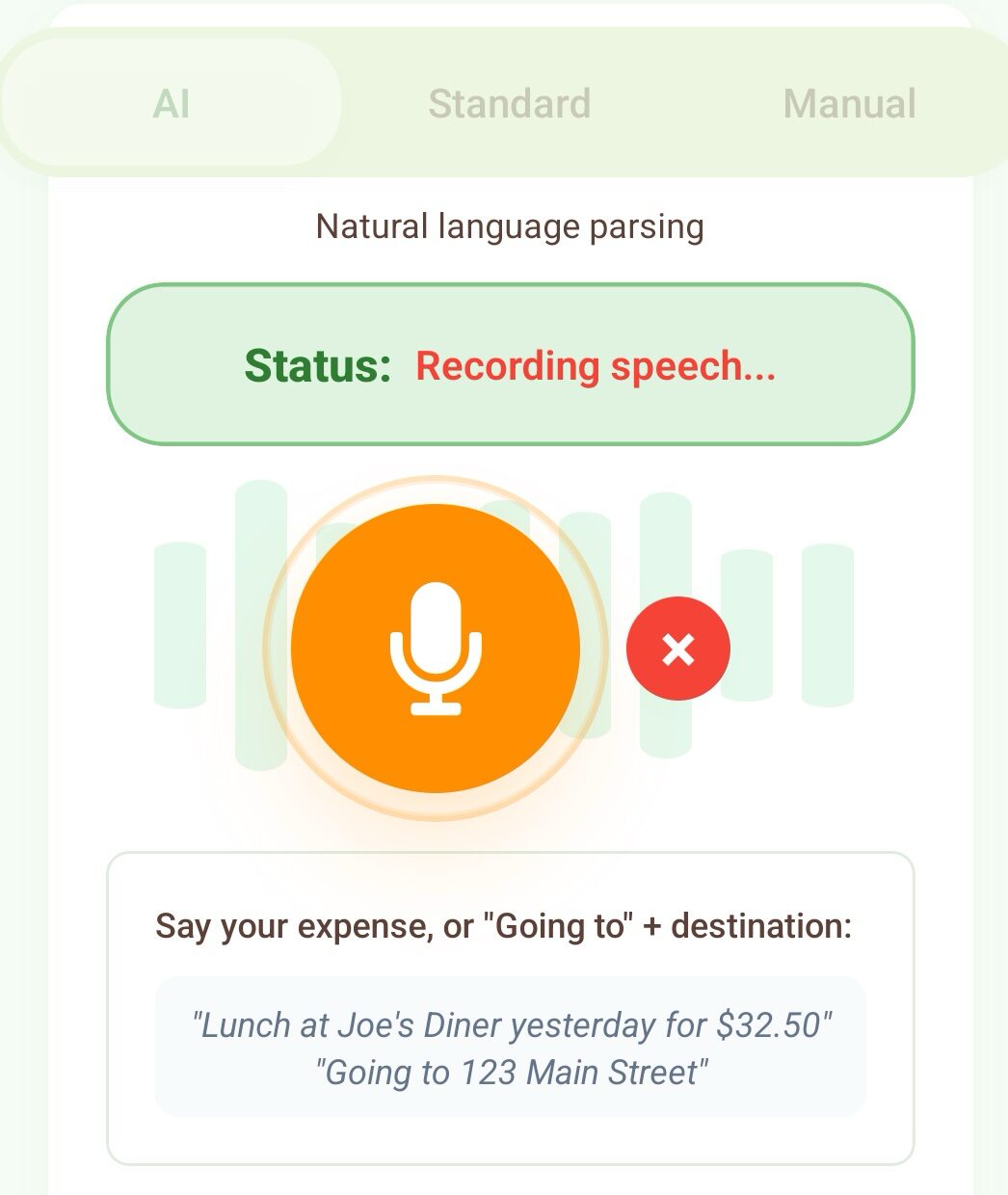
Take our example at the start. We are out driving, we get hungry and stop at a convenience store to grab a bag of chips, a candy bar, and a soda for $12.68.
After getting in the car and driving down the road for a bit, we realize we need to add that to our expenses so we can get money back on our taxes. You can simply tell Voice Expense that you spent $12.68 at Wawa for a rideshare snack.
It then adds that to the software, categorizes it for you, and you can now forget about it. Now, if you later want to add that receipt, you can still do that. What I think is really cool about that is that it will take the picture of the receipt and, using AI, it will match the entry rather than create a new one.
Voice Expense Tracks Your Mileage in Multiple Ways
Especially with the cost of gas right now, rideshare drivers and gig workers need to keep track of their mileage more than ever. It is by far the biggest expense and Voice Expense can help you to save more by ensuring you don’t miss any miles.

Recently, Voice Expense has added a mileage tracking feature. But just like their other accounting features, they make it as easy as possible for you to track.
Like most mileage tracking apps out there, you can simply push “start” or something similar, and it will begin tracking your mileage.
Some apps will automatically track if you get in a car, and then ask if the drive was for a business or other taxable drive.
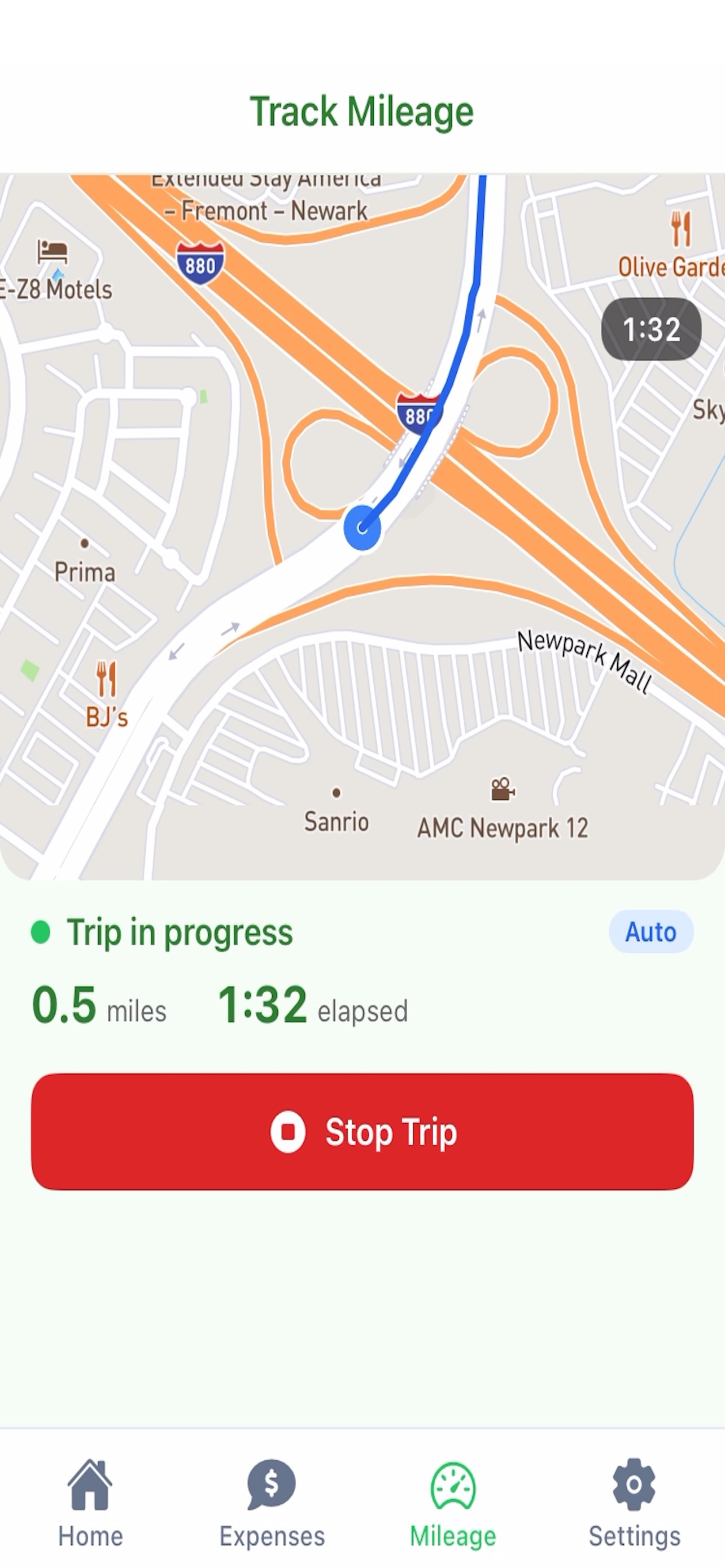
With Voice Expense, you have both options.
Something I very much like, because though most of the time I remember to start the tracking, I do sometimes forget. Until now, I’ve had a second app set up in case that happens, and then I have to manually enter the mileage from one app to another for taxes.
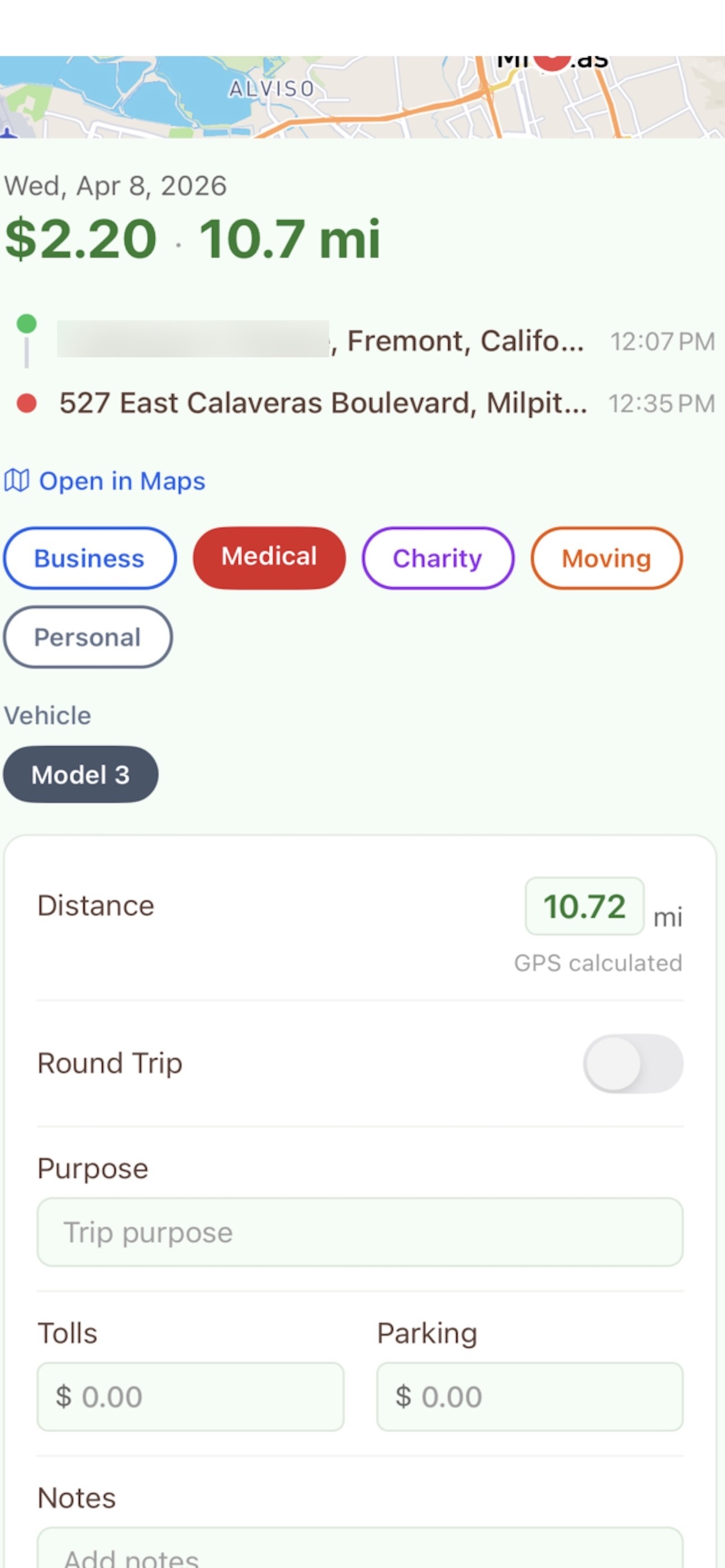
Voice Expense does it all in one app.
How Much Does Voice Expense Cost?
As of the writing of this article you can get a 7 day free trial to Voice Expense, after that you have two options.
First, the monthly plan which is $4.99. If you would like to save money, the annual plan is $48 (saving you $11.88 per year).
What Makes it Different From Other Apps?
Voice Expense can be used like any other expense software out there.
Adding receipts, expenses, and allowing your accountant access for taxes.
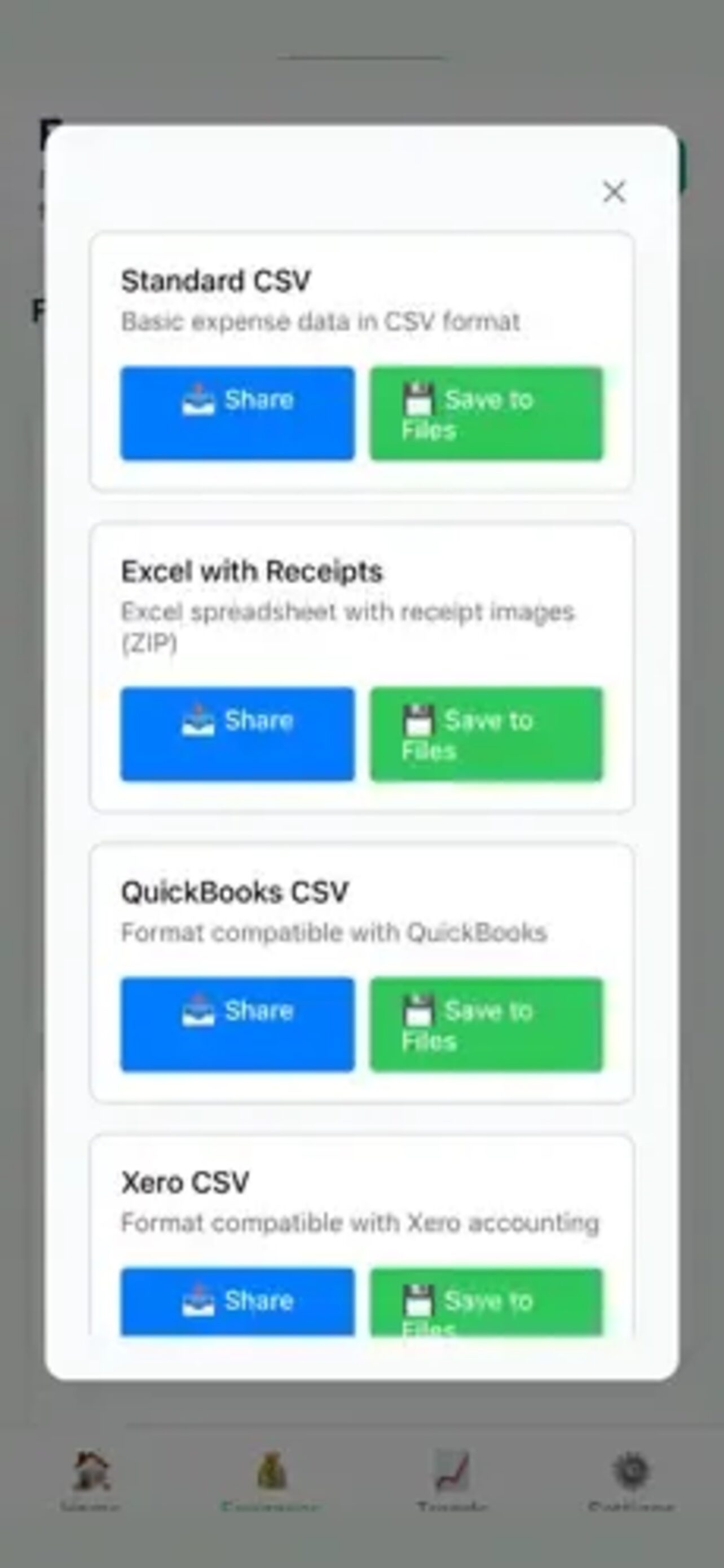
What makes Voice Expense different is that you don’t have to spend hours categorizing your expenses. You can also talk to the app and match things later when you get receipts.
Another major difference is that the cost is significantly less than almost all other software apps.

Is Voice Expense Worth It?
If you are upgrading from something free and want an app that is the most inexpensive and, at the same time, has the most features, then yes, Voice Expense is worth it.
Just starting out as a rideshare driver or gig worker? Then don’t spend money until you actually are making money.
At the same time, don’t wait too long so that you have so many expenses and things you miss out on trying to “save” money.